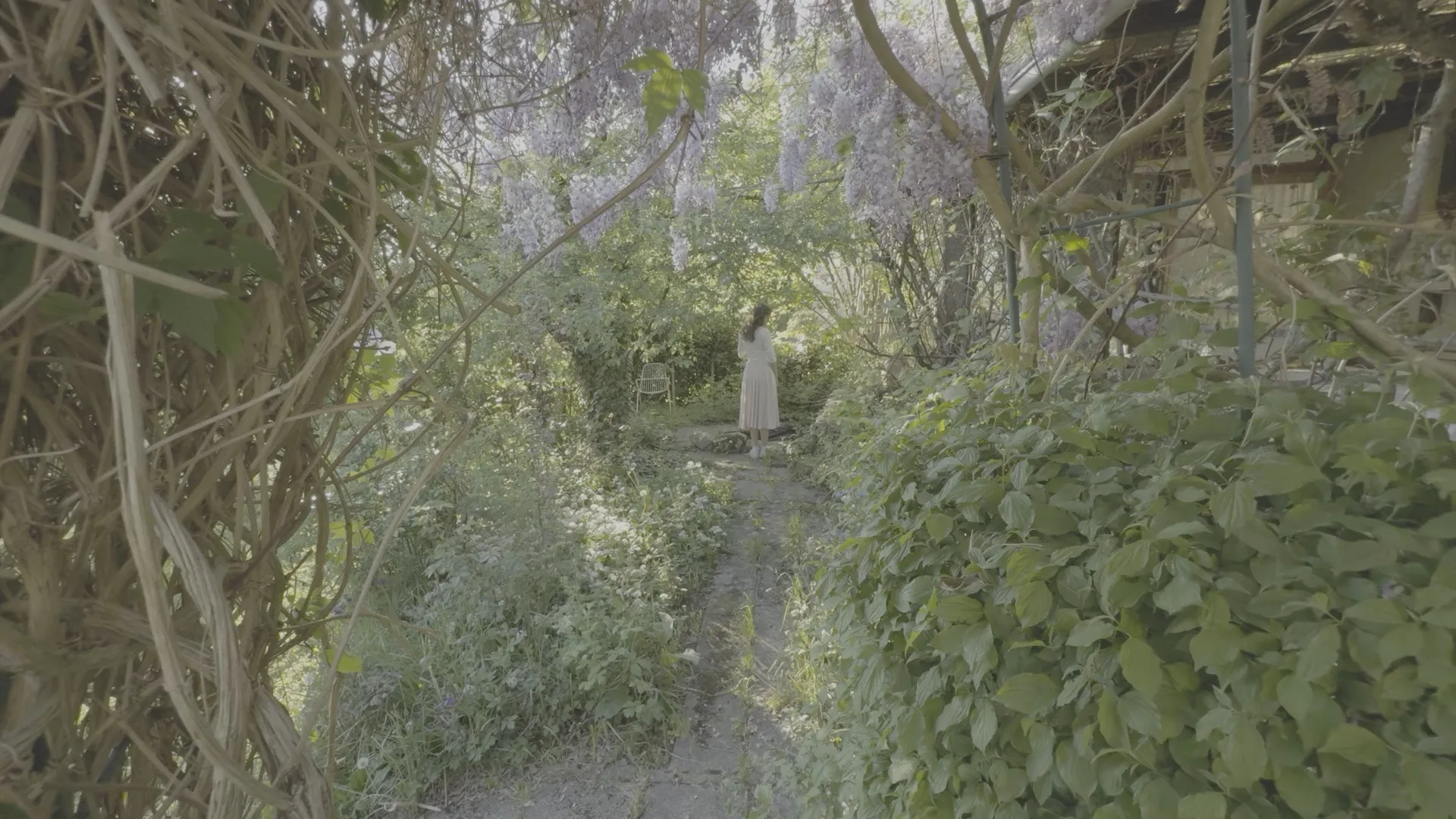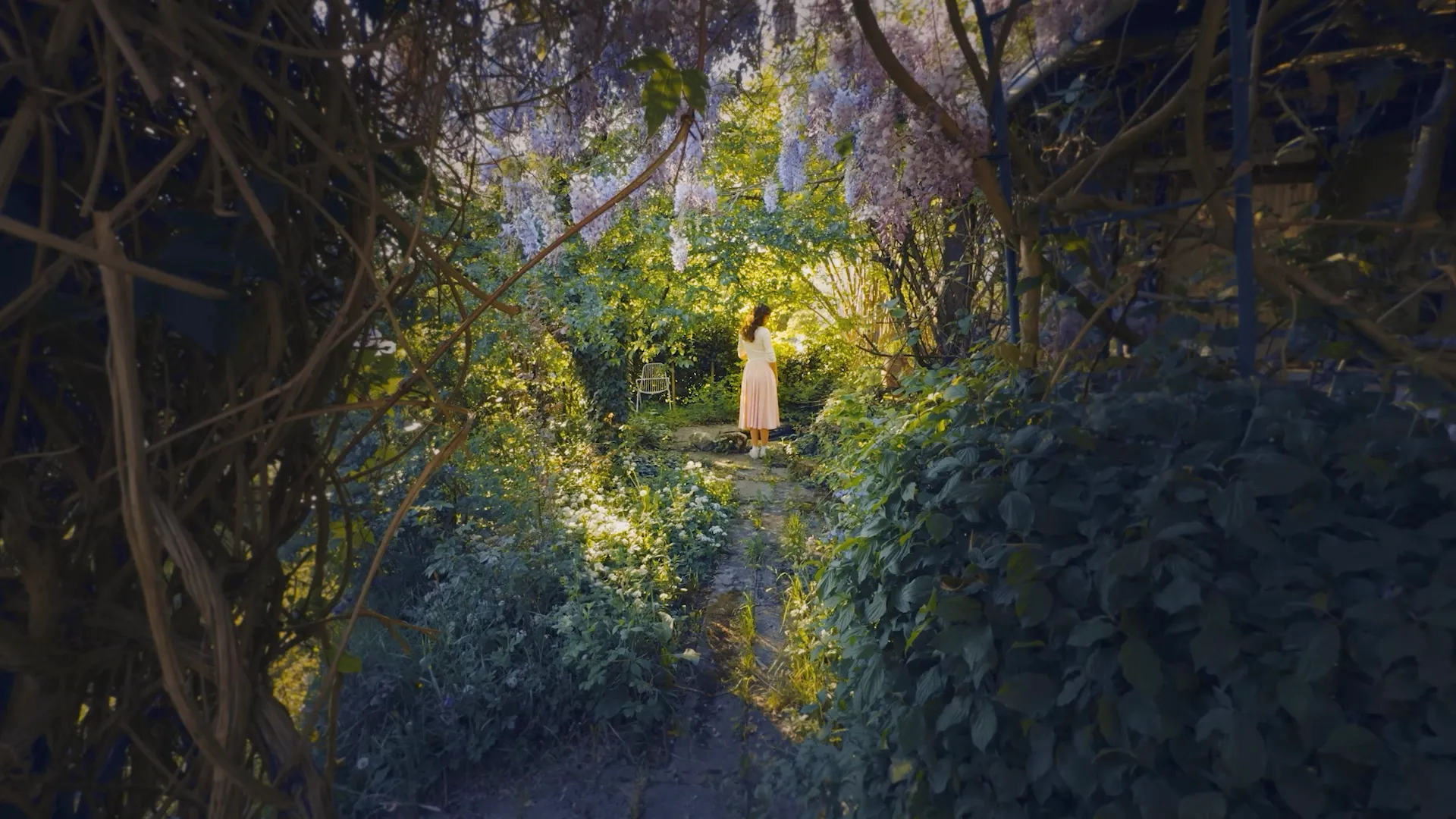
Cinematic color grading.
Right on your iPhone.

Turn flat Log footage, everyday video and photos into accurate, film-like color in one tap. Edit Apple Log, D-Log and more, import any .cube LUT and grade without a desktop editor.

  • 90+LUTs
  • 4.73300+ ratings
  • 1M+Exports
Features

Cinema Color Grading,
Right in Your Pocket
Professional color grading tools, distilled into a single iPhone app.

Log Support

Grade Flat Log Footage Directly on Your iPhone

Skip the desktop. LUT Studio instantly auto-detects Apple Log, Apple Log 2, DJI D-Log M, D-Log 2, and Insta360 I-Log, converting your footage to accurate Rec.709 color in a single tap. Get professional color grading without transferring files to your computer.

  • Apple Log, Apple Log 2, I-Log, D-Log M, D-Log, D-Log 2
  • Automatic format detection
  • Preserves maximum dynamic range

Film Emulation

Authentic Analog Film Emulation

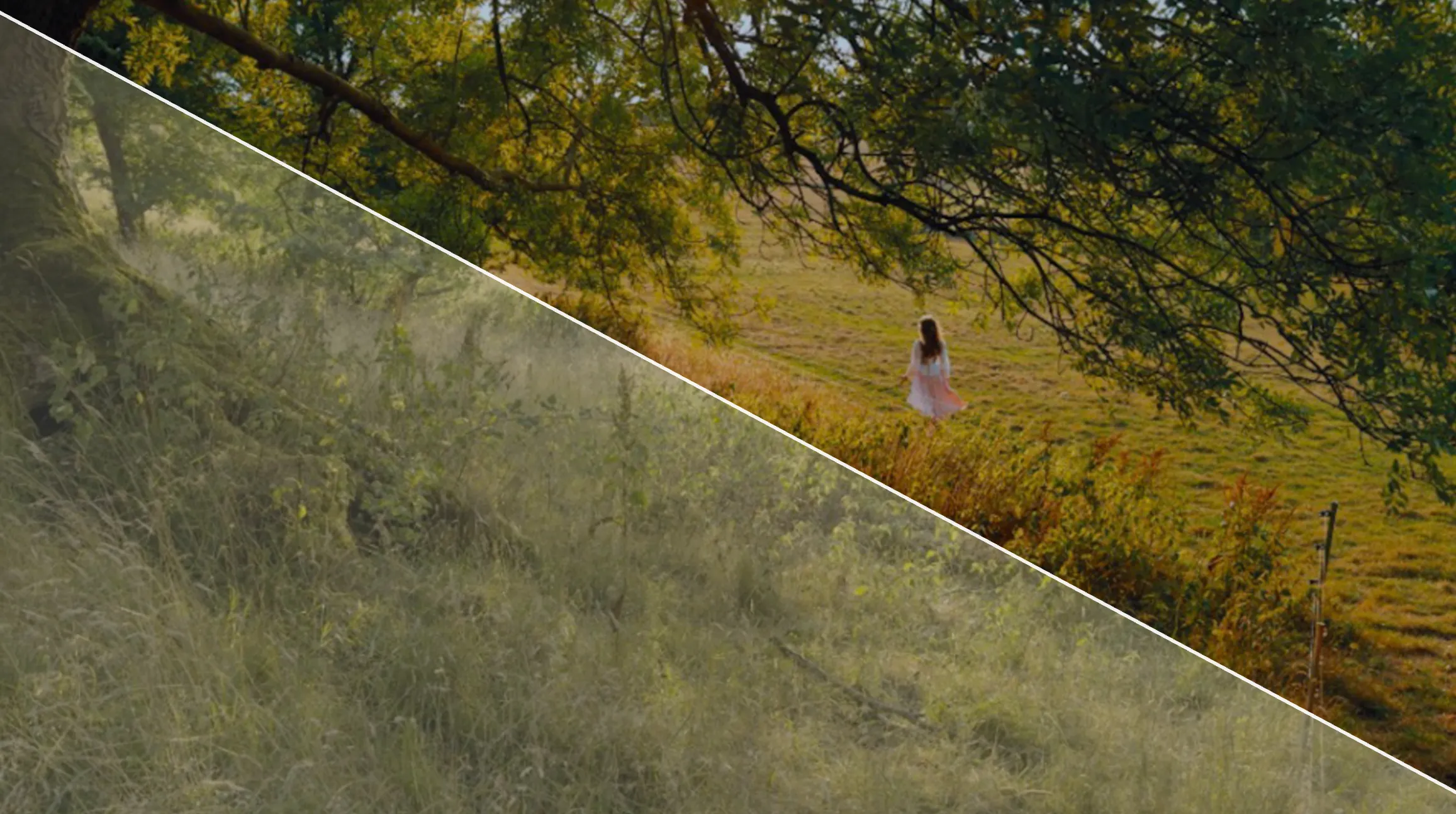
Dynamic halation, organic bloom, and real 35mm grain rendered straight into your exposure, giving your mobile video the distinct character and warmth of physical film.

  • Dynamic halation around highlights
  • Organic bloom and real 35mm grain
  • Rendered into the exposure, not layered over it
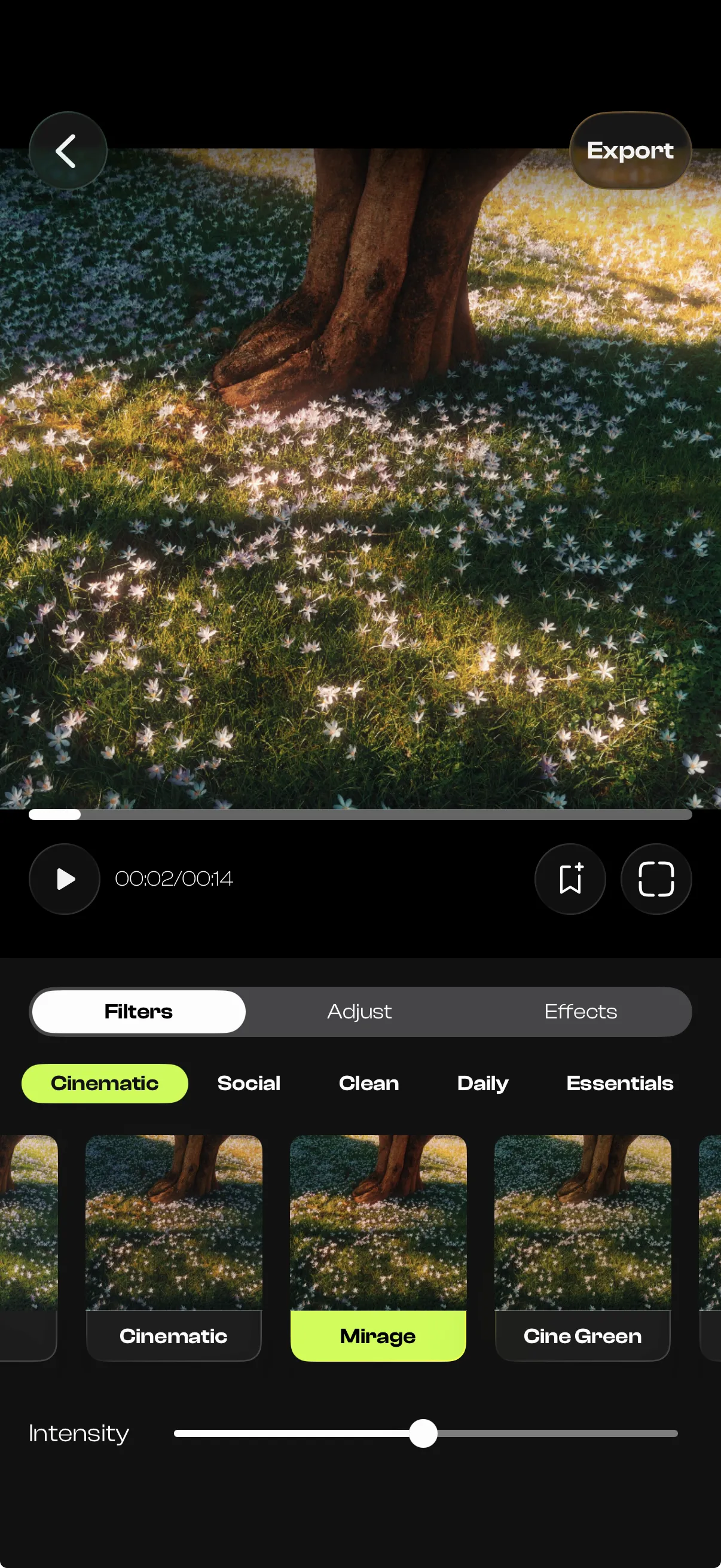
The Filters tab in LUT Studio, showing preset categories and a carousel of cinematic looks with an intensity slider

LUTs

90+ Cinematic LUTs & Custom .CUBE Import

Instantly apply film-inspired looks optimized for Log footage, standard video, and photos. Want your signature style? Seamlessly import custom .cube LUTs from Premiere Pro or DaVinci Resolve for real-time, one-tap mobile grading.

  • Optimized for Log footage, standard video and photos
  • Import custom .cube LUTs from Premiere Pro or DaVinci Resolve
  • Real-time, one-tap grading on device
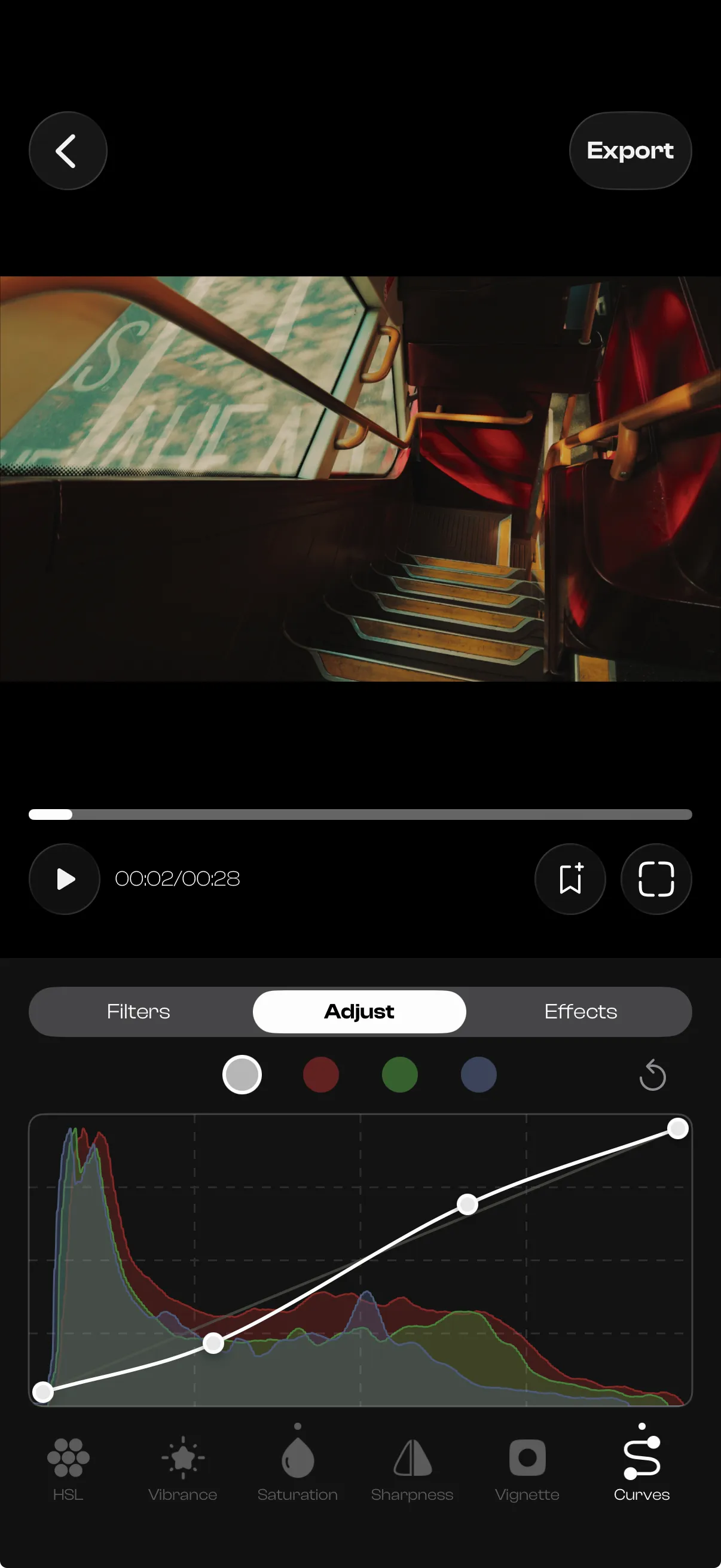
The Adjust tab in LUT Studio, with RGB curves drawn over a live histogram

Color Tools

Professional Mobile Color Correction Tools

Take full control of your aesthetic with color wheels for shadows, midtones and highlights, advanced HSL adjustments, intuitive curve-style controls, temperature and tint, and masks that grade exactly the part of the frame you choose. Desktop-level grading power, designed for a frictionless mobile workflow.

  • Color wheels for shadows, midtones and highlights
  • Advanced HSL adjustments
  • Intuitive curve-style controls
  • Radial, linear, rectangle and brush masks
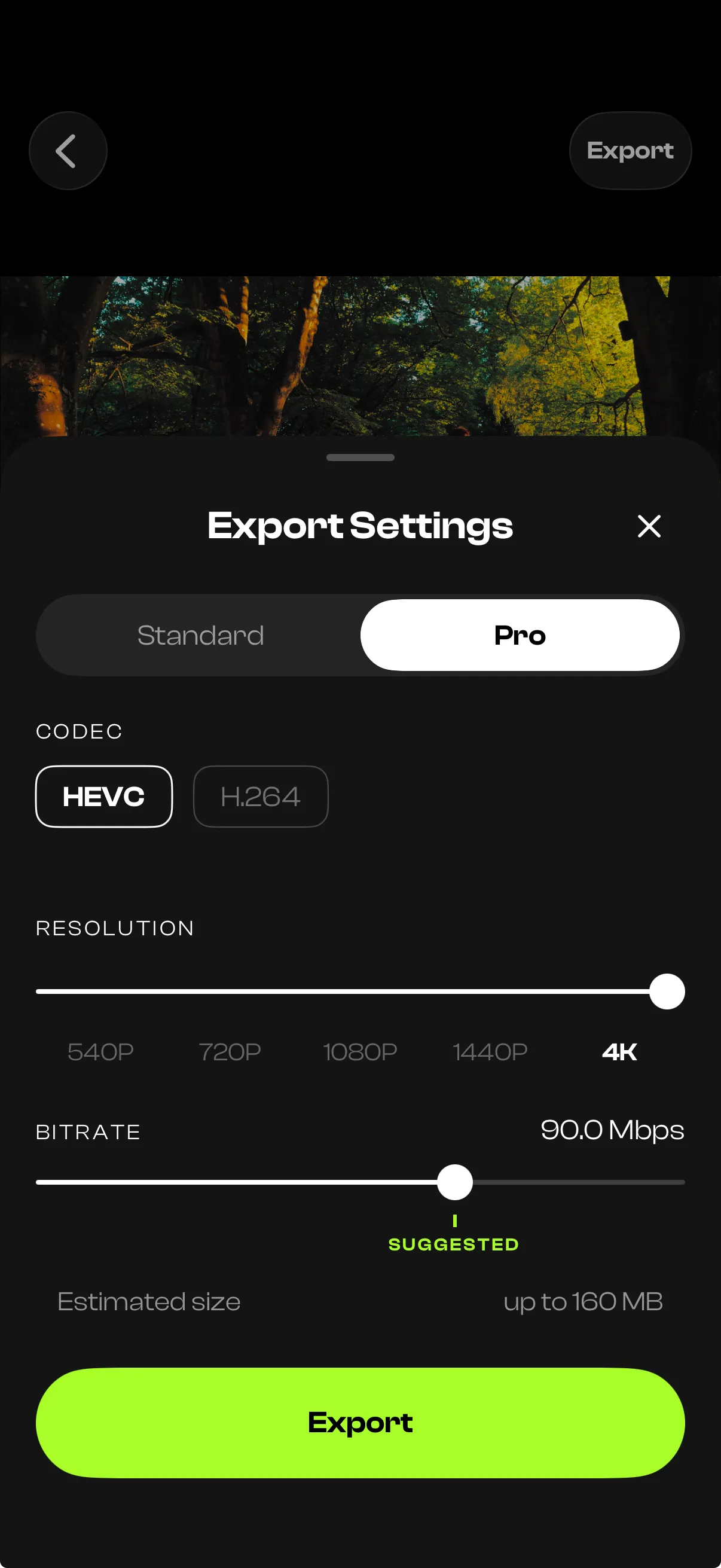
LUT Studio's Pro export settings: HEVC or H.264, resolution up to 4K, and a bitrate slider at 90 Mbps

Export

High Bitrate 4K Export

What you see in the preview is exactly what you get. Render your final graded videos in stunning up to 4K resolution at maximum bitrate, ensuring high-quality, banding-free exports ready for social media or professional delivery.

  • Up to 4K resolution at maximum bitrate
  • Banding-free, what you see is what you get
  • Ready for social media or professional delivery

Everything Included

The full capability list, and the log formats LUT Studio converts automatically.

Import

  • Import videos and photos straight from your library
  • Auto-detects several kinds of LOG footage
  • Automatic log-to-rec.709 conversion before grading
  • HDR (HLG / PQ), 10-bit ProRes and HEVC support end to end
  • High-frame-rate clips imported at their native frame rate
  • Videos stored in iCloud downloaded on import
  • Import straight from the Share menu of Photos and other apps

LUTs

  • 98 built-in LUTs
  • Import your own .cube LUTs
  • Genuine 3D LUT processing in floating point
  • LUT intensity sliders

Grade

  • Full tonal and color controls, from exposure to vignette
  • Color wheels for shadows, midtones and highlights
  • White balance with temperature and tint
  • Log-aware exposure and temperature compensation
  • 8-band HSL color editing
  • RGB and per-channel curves with live histogram
  • Radial, linear, rectangle and brush masks, with feather and invert

Crop and trim

  • Every format from 9:16 to 2.39:1, including the Instagram formats
  • Straighten, rotate and flip
  • Instagram guides for Reels: see what Instagram's interface will cover
  • Trim videos to the exact frame

Effects

  • Film-style texture and light: halation, bloom and grain
  • Analog wear: glitch, scratches and motion blur
  • Rendered on top of the graded image, the exact way film behaves

Presets and projects

  • Save your full grade as a preset and apply it to any clip
  • Projects auto-saved with previews; sort by date created or edited
  • Undo and redo every adjustment, masks included
  • Delete several projects at once

Preview

  • Real-time preview on the full video, at native frame rate
  • Full-screen playback

Export

  • Standard export: 540p, 720p, 1080p, 1440p, 4K
  • Pro export: HEVC or H.264, adjustable bitrate, native frame rate up to 240 fps
  • True 10-bit and HDR output for 10-bit and HDR sources
  • Audio, timecode, creation date and camera metadata preserved

Supported log formats

Log formats LUT Studio converts automatically, by source device
SourceLog format
iPhoneApple Log, Apple Log 2
Luna UltraI-Log
GO UltraI-Log
Ace Pro 2I-Log
Full DJI SuiteD-Log M, D-Log, D-Log 2

Ready to Color Grade
Like a Pro?

Join filmmakers and creators. Free to download, no account required.

Try for Free
Selected reviews from the App Store
Blog Tutorials

Learn the Craft

Two people walking through a stone archway into a sunlit castle courtyard, with the LUT Studio and DaVinci Resolve app icons in the center
8 min read

Color Grading for Beginners: A Quick 101 Guide

What color grading actually is, how it differs from color correction, the five controls that do most of the work, and the beginner mistakes worth avoiding.

Read Blog Tutorial
FAQ

Frequently asked questions

  • Is there a free version?
    Yes. LUT Studio is free to download from the App Store, and the free tier includes several cinematic LUTs and full 4K export. Upgrade to PRO for the full LUT library, real film effects, and high bitrate export options. You can try the PRO version for 7 days completely for free.
  • What is a LUT and why do I need it?
    A LUT (Look Up Table) is a color recipe, it mathematically maps one set of colors to another. When you shoot in LOG format, your footage looks flat and washed out by design, to preserve dynamic range. A LUT converts that flat footage into a specific cinematic look instantly, without manually adjusting every color channel. For the full explanation, read our blog tutorial What Is a LUT?
  • Is a LUT just a filter?
    Not quite. A filter is a single fixed adjustment built for images that are already color-corrected. Apply one to flat LOG footage and it usually looks worse, not better. A LUT is a precise color transform that remaps every value in the frame through a lookup table, which is how colorists grade film and television. LUT Studio applies the correct log conversion first, so the LUT lands on properly corrected footage instead of fighting it.
  • Does LUT Studio work with photos?
    Yes, LUT Studio isn't video-only. The same 90+ cinematic LUTs apply to stills, and the film effects (grain, halation and bloom) work on photos just as they do on footage.
  • Which cameras and log formats does LUT Studio support?
    LUT Studio converts 6 log formats automatically: Apple Log (iPhone), Apple Log 2 (iPhone), I-Log (Luna Ultra, GO Ultra, Ace Pro 2), D-Log M (DJI), D-Log (DJI), D-Log 2 (DJI). Import your clip or photo, and the correct transform is automatically applied for you, no manual setup.
  • Can I use my own custom LUTs?
    Yes. PRO users can import any .cube LUT file directly into LUT Studio. Your custom LUTs appear alongside the built-in library.
  • Can I color grade only part of a video?
    Yes. PRO users can add radial, linear, rectangle and brush masks to any edit. Each mask can be feathered, inverted and stacked with others, and carries its own local adjustments such as exposure, temperature, contrast and saturation. That way you can brighten a face or warm a sky without changing the rest of the frame.
  • What export formats and resolutions are available?
    LUT Studio exports in full 4K with up to 200 Mbps, at your clip's original frame rate, straight to your camera roll. Available formats are H.264 and HEVC.
  • Does LUT Studio work on iPhone Duo?
    Yes. LUT Studio is optimized for iPhone Duo, on the outer display and on the inner display, flat or half folded, upright or in landscape, so you can grade video and photos in every position.
  • Is LUT Studio available on Android?
    Not at the moment. LUT Studio is built specifically for iPhone, and runs on iPhone with iOS 17.0 or later.
  • Which languages is LUT Studio available in?
    LUT Studio is available in English, Spanish and French. It follows your iPhone's language automatically. To change it, open the Settings app, tap LUT Studio, then Language, or tap Language in the app's Profile tab.
  • Who can I contact for support?
    The fastest way is in the app: open the Profile tab, tap Support, then Contact Us, so your message already includes your app version and user ID. You can also email us at lutstudiohelpteam@gmail.com. Help with restoring, cancelling or refunding PRO is on our support page.
Careers

Work With Us.

No open roles at the moment. We're always glad to hear from people building the future of mobile filmmaking.

Interested in joining us?

We're always looking for talented people. Send your portfolio and tell us how you'd contribute.

Get in touch